


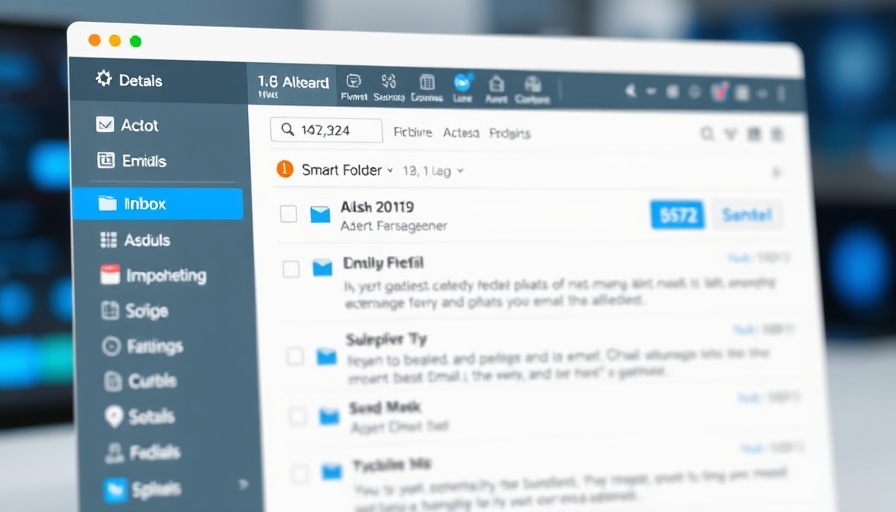
Transforming Email Into a Joyful Experience
In the fast-paced world of digital nomads, email can easily become a source of stress rather than a helpful communication tool. However, with innovations like Smart Folders in Spark Mail, users are discovering new ways to manage their inboxes effectively. This transformation is not only about reducing the clutter but also about reclaiming productivity and joy in everyday tasks.
The Magic of Smart Folders
Smart Folders are an exciting way to automate email organization. Unlike traditional inbox rules that sort emails by moving them, Smart Folders enable users to dynamically view emails based on set criteria without losing sight of their original location. This feature aligns seamlessly with the hectic schedules of digital nomads who often juggle multiple projects and clients. With this proactive organization, important messages are less likely to get lost in the overwhelming flood of daily communications.
Why Smart Folders Matter for Productivity
Immediate access to the right emails saves valuable time. For digital nomads frequently on the go, the ability to segregate critical communications—such as project deadlines—can be a game changer. For example, imagine a Smart Folder that automatically captures emails from your team lead containing keywords like "urgent" or "due date." You’ll no longer need to sift through your inbox manually, ensuring that nothing slips through the cracks.
Setting Up Your Smart Folders: A Practical Guide
Setting up Smart Folders is straightforward and can significantly reduce the time spent on email management. Here’s how you can set yours up:
- Open Spark Mail and access the sidebar options.
- Select "More" under Folders.
- Hit the + icon next to Smart Folders to create a new folder.
- Name your folder and define the criteria for filtering emails.
- Tap Save to activate the folder.
This step-by-step process supports a tailored experience allowing you to focus on the emails that matter most while effortlessly maintaining an organized inbox.
Empowering Workflows: The Benefits Beyond Inbox Zero
With Smart Folders, the benefits extend far beyond just achieving inbox zero. They can enhance team collaboration, reduce missed deadlines, and provide a sense of control over the email chaos. By capturing key communications before they get buried, users can respond more efficiently, leading to enhanced productivity. Moreover, implementing Smart Folders equips remote workers with the tools needed to combat overwhelm, setting the scene for a more focused work environment.
Addressing Common Misconceptions About Email Management
One common misconception is that email organization requires extensive setup and maintenance. However, Smart Folders break this mold by offering an automated solution that continuously adapts to incoming messages. Many digital nomads fear that advanced features might complicate their workflows, but, in reality, the opposite is true; Smart Folders simplify email management.
Real-World Applications: How Others Are Using Smart Folders Effectively
Consider how other digital nomads are leveraging Smart Folders. Some users prioritize client communications, creating filters that capture all emails from specific domains. This approach ensures they remain responsive to clients regardless of who initiates communication. Others focus on project-specific correspondence, establishing proactive systems that highlight urgent deadlines, thus aligning their email management with their real-time work priorities.
Conclusion: Why You Should Try Smart Folders
Adopting Smart Folders is more than a mere email upgrade; it's about enhancing your overall workflow and reclaiming joy in your daily tasks. As a digital nomad, simplifying your correspondence is crucial to maintaining productivity and focus amidst the distractions of remote work. Explore Smart Folders in Spark Mail today and take the first step towards a more productive email experience!


Write A Comment