


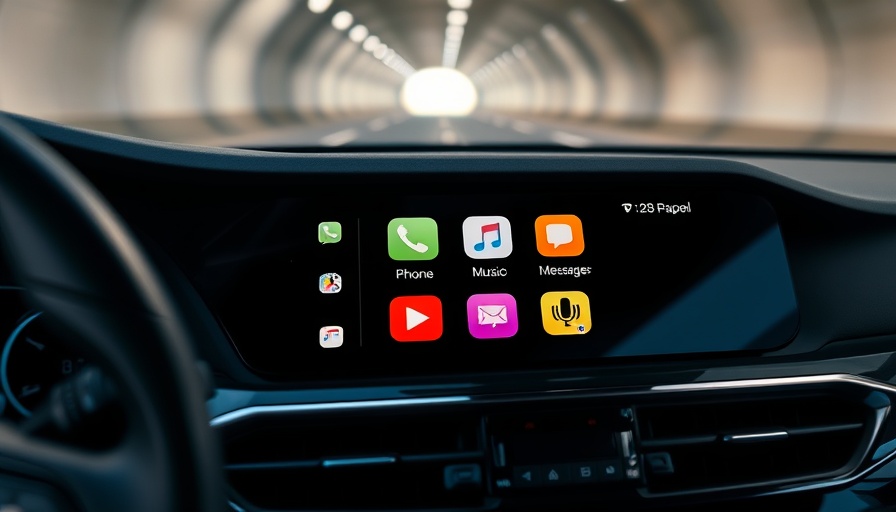
The Future of CarPlay: Streamlined Productivity for Digital Nomads
As digital nomads, we thrive on efficiency. With the launch of iOS 26, Apple’s CarPlay is introducing several exciting features aimed at enhancing productivity on the road. The company didn't build its own car, but they did elevate the driving experience by turning cars into smart utility hubs. Here's what you can expect in the latest update.
Widgets and Live Activities: Stay Updated On the Go
With iOS 26, one of the game-changing additions to CarPlay is the introduction of Widgets and Live Activities. Imagine being able to track deliveries or monitor flight statuses directly from your dashboard. This feature is especially useful for digital nomads who are often juggling travel plans and waiting for important deliveries. It allows you to access vital information without having to look down at your phone or stop to check the status manually.
The beauty of Live Activities is its seamless integration; once it’s enabled on your iPhone, it will appear on your CarPlay interface. However, for those who find it distracting, Apple has included the option to disable these notifications or even tailor your experience with different Focus modes. This means you can sift out the noise and only see what’s relevant while you’re on the road.
Revolutionizing Calls with Compact View
Another noteworthy enhancement is the compact view for incoming calls. Traditional call notifications can consume the entire screen, pulling focus away from imperative directions and navigation details. The compact view minimizes this disruption by presenting incoming calls as small pop-ups. This thoughtful update ensures that you remain connected to your conversation partners while keeping your navigation on track—essentially allowing multitasking without chaos.
Improved Messaging: Quick Responses with Tapbacks
Digital nomads often rely on communication to maintain their work. In the latest iOS iterations, Messages in CarPlay has undergone fascinating changes, allowing users to utilize Tapbacks. This means you can respond to texts with emojis directly through your car display, enhancing your ability to communicate quickly without taking your hands off the wheel or your eyes off the road.
Customization and Control: Tailor Your CarPlay Experience
For those who love customizing their workflow, CarPlay in iOS 26 offers tailored dashboard options. You can choose which widgets to display by heading to Settings > General > CarPlay on your iPhone. Options include calendar entries, local weather updates, and even sunrise/sunset information. These shortcuts make it easier to check essential data without navigating through multiple apps.
The Bigger Picture: How These Features Impact Your Productivity
These updates to CarPlay not only enhance the user experience but also reflect a larger trend within technology: creating seamless integrations for the remote worker. As the workplace landscape evolves, so does our need for tools that don’t just facilitate connectedness but enhance productivity, no matter where we are. By making essential apps and features accessible directly from your vehicle, CarPlay is aligning itself with the crucial need for efficiency and organization in our increasingly mobile lives.
Your Road Ahead: Getting the Most Out of iOS 26
The upcoming features in iOS 26 promise to reshape the CarPlay experience significantly, paving the way for improved multitasking capabilities and streamlined communication. As we continue to blend work with travel, embracing these tools will triple our effectiveness and help us make the most of our time on the road.
To prepare for the update, familiarize yourself with these features to fully exploit their capabilities. Perhaps carve out a moment to customize your settings to set the tone for an organized and productive journey ahead.


Write A Comment