 Add Row
  Add
Add 


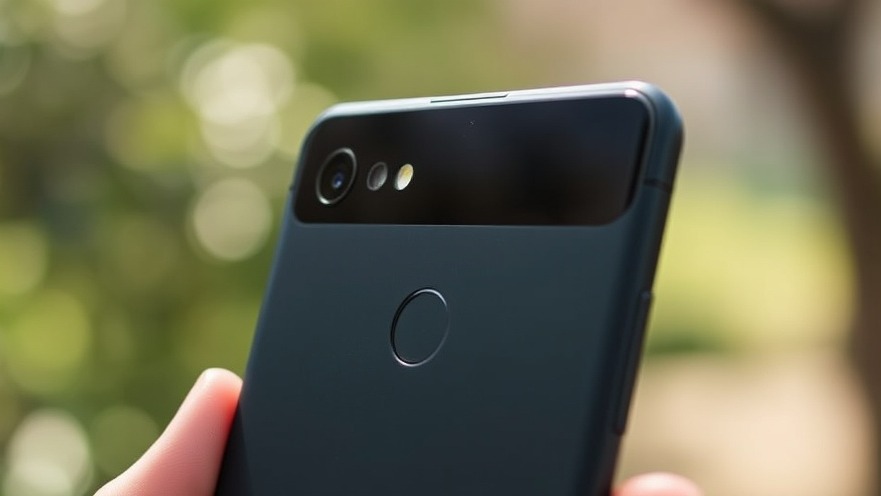
Understanding the Latest Pixel Update Glitches
Google's recent Pixel update rolled out in March 2025 is marred with several user-reported glitches that have stirred frustration among Pixel device owners. Aiming to enhance the user experience with new features and security patches, this update, unfortunately, seems to have introduced an annoying brightness issue that disrupts video viewing.
As users dive into their streaming apps like Netflix, Prime Video, and YouTube, many have confronted erratic brightness fluctuations that occur without any intervention on their part. One owner of a Pixel 9 noted that the brightness dims or flickers unexpectedly during video playback, making cramming for that latest show a bit unsettling. This glitch isn't isolated; a wider report from various Pixel models showed instances of vibrations behaving more erratically than before, leaving users puzzled over whether they had accidentally changed settings.
Is There a Workaround for These Glitches?
Despite the aggravation caused by these issues, there seems to be a silver lining. Google's community and tech enthusiasts have discovered a temporary fix for the brightness glitch. Users are encouraged to adjust their display's refresh rate from 120Hz to 60Hz. By heading to Settings > Display and disabling the Smooth Display toggle, the bothersome flickering disappears, thus restoring a sense of normalcy in video playback.
While this is a precautionary workaround, it is important to note that Google is likely working diligently to address these glitches with forthcoming patches. This commitment to quality and user satisfaction is crucial for retaining trust in their technological advancements.
Wider Implications for Google Pixel Users
This situation raises broader questions about the pace at which software updates are delivered by major tech companies like Google. While updates are crucial for ensuring security and functionality, the introduction of regressions, such as these glitches, is certainly an experience many users can relate to, often leaving them feeling vulnerable to technology's whims.
In this fast-paced world, digital nomads who rely heavily on their devices for work and entertainment must stay informed and adaptable. As a productivity expert, I've seen firsthand how these unpredictable issues can disrupt workflows. However, it’s also an opportunity to practice resilience and adaptability, key traits for anyone navigating a technology-dependent lifestyle.
Future Optimism and Solutions
The rapid evolution of devices like Google Pixel is accompanied by its own highs and lows. Users should remain optimistic about future improvements, knowing that Google is likely working round the clock to resolve any outstanding bugs. Keeping an eye on forums and tech blogs is a strategy that can empower users, giving them insight into fixes and workarounds like the refresh rate solution discussed.
Additionally, fostering a proactive relationship with technology can enhance productivity. Skills such as troubleshooting minor issues, participating in online communities, or even penning down feedback to tech companies can make you a more informed user. Don't hesitate to become part of the conversation!
Conclusion: How to Embrace the Change
While glitches like these can be annoying, they serve as a reminder of the complexities of modern technology. For digital nomads, every hiccup can breed innovation in processes, making it essential to stay connected with community advice and the latest patches. Share your experience in update forums to add your voice to potential solutions.
Stay tuned for updates from Google as they resolve these issues. In the meantime, implement strategies from fellow users that can alleviate current annoyances, and reinforce your productivity habits in a changing digital landscape.


Write A Comment