


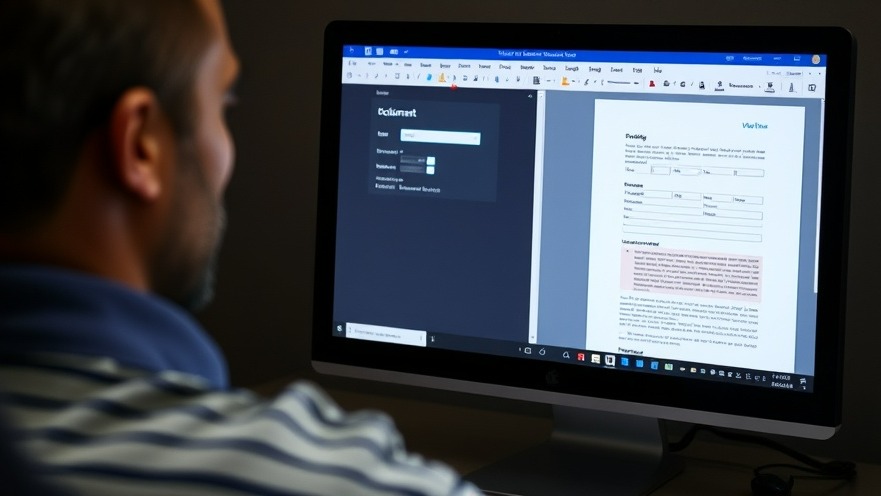
Transforming Your Productivity with Fillable Forms in Word
When it comes to productivity, having effective tools is essential, especially for digital nomads who rely on seamless operations as they navigate work from various locations. One tool in your arsenal that can significantly enhance efficiency is Microsoft Word, and surprisingly, it can go beyond traditional document creation to help you build fillable forms.
Why Fillable Forms are a Game Changer
For digital nomads, efficient data collection is key. Fillable forms in Word are not just functional; they're also versatile. You can create forms that serve multiple purposes simultaneously - whether it’s for gathering client information, event registration, or feedback collection. This dual functionality means you won’t have to toggle between different platforms or applications, saving time and streamlining workflow.
Step-by-Step Guide to Creating Your Form
Setting up fillable forms in Word is not only simple but incredibly rewarding. Here, I’ll walk you through the process:
1. Enable the Developer Tab
The first step is to uncover the hidden Developer tab in Word. This tab is where all the magic happens, housing various form controls. To enable it, click on 'File', then 'Options', and navigate to 'Customize Ribbon'. Check the box next to 'Developer' and click OK. This action will grant you access to all the tools needed for form creation.
2. Designing the Layout with Tables
A clean and organized layout is crucial for professional-looking forms. Use a table—a two-column format is ideal—where one column will house your labels (e.g., 'Full Name', 'Email Address'), while the other will contain the interactive fields. This structuring ensures neat alignment and enhances the form's usability. Remember to label necessary fields clearly, using indicators like asterisks for mandatory inputs.
3. Adding Content Controls
With your layout set, it’s time to drop in the content controls. These include text boxes for open-ended answers, checkboxes, and dropdown lists. Position your cursor in the right column and select the type of control you want from the Developer tab. This interactive element makes it easier for respondents to input their information accurately.
The Advantages of Offline Form Creation
Creating forms in Word has a significant edge over online platforms. Not only can you work offline, which is crucial for those who travel frequently, but you also eliminate the need for subscriptions often associated with web-based form builders. Once completed, your forms can be saved, emailed, or printed, providing a myriad of options for dissemination.
Real-World Applications for Digital Nomads
Consider how fillable forms can simplify your work. Whether gathering feedback from clients on a project or monitoring attendance at a remote event, these forms can be integrated into your digital workflow seamlessly. For example, a marketing consultant could use these forms for client onboarding, ensuring that vital data is collected efficiently and professionally.
Future Trends in Digital Workspaces
As we move towards a more digital-centric workspace, the importance of tools that streamline processes cannot be overstated. The ability to create customizable forms directly within Word aligns with the growing trend of integrated work solutions. Companies are looking for ways to minimize the number of tools employees use, thereby reducing complexity and increasing productivity.
By mastering the creation of fillable forms in Word, you position yourself at the forefront of this trend, ready to utilize every ounce of potential in your remote workspace.
Take the Next Step
Now that you understand the foundational steps to create fillable forms in Word, why not put this knowledge into practice? Embrace your productivity with these forms to enhance your remote work experience. Start creating today!


Write A Comment