 Add Row
  Add
Add 


Understanding ACR: The Smart Tech Watching You
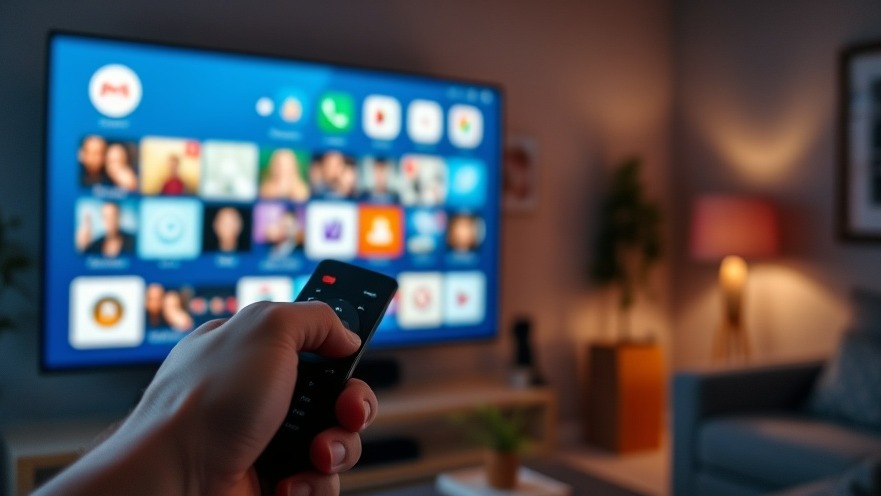
Your smart TV might be more than just a window to your favorite shows; it may also be a silent observer of your viewing habits. Automatic Content Recognition (ACR) technologies are embedded in many smart TVs, capable of recognizing the content you're watching through advanced audio and visual analysis. This is alarming to many, as it means that your TV is essentially taking snapshots of whatever is displayed on the screen, often to provide targeted advertising and recommendations based on your viewing behavior.
Impact on Privacy and Control
As digital nomads, the importance of privacy can't be overstated. While you navigate productivity in various spaces, having a TV that tracks habits can feel invasive. Recent controversies, like those surrounding Vizio's data collection practices, highlight the importance of being proactive about your device settings. Realizing you unknowingly agreed to such tracking can stir feelings of frustration and vulnerability. Fortunately, understanding how to disable ACR ensures that your viewing remains private, enabling a more comfortable experience.
Step-by-Step Guide to Disable ACR
Here's how to turn off ACR on some of the most popular smart TV brands:
LG TVs: Navigate to Settings > General > System > Additional Settings > Live Plus. Disable the Live Plus feature to turn off ACR. While you're in the menu, consider also enabling the “Limit Ad Tracking” option under Advertisement settings.
Samsung TVs: Access the Settings menu, then select Support > Terms & Policy. Here, you'll find an option to disable ACR tracking.
Sony TVs: Go to Settings > Device Preferences > Data Collection and toggle off the ACR under the data collection settings.
Hisense TVs: Find the ACR option under Settings > Privacy > Data Collection and disable.
TCL TVs: Head to Settings > Privacy, then turn off all data collection options, including ACR.
While those are the general steps for popular models, screens can differ drastically so verifying instructions specific to your model can help mitigate any confusion.
The Importance of Digital Literacy
In an age dominated by digital technologies, being savvy about how we use them is crucial. By actively managing your smart TV's privacy settings, you enhance your control over your personal information. Digital nomads, who often seek to maximize productivity and streamline workflows, can further this by understanding the nuances of the technology they employ.
Future Trends in Smart Tech and Privacy
Looking ahead, smart devices will likely continue evolving alongside their associated privacy concerns. As ACR becomes more commonplace, awareness about tracking technologies is vital. There's a predicted shift towards more transparent practices by manufacturers in response to consumer demand for privacy. Integrating a culture of skepticism and inquiry about the devices we employ will empower users to reclaim their digital privacy.
Conclusion: Take Control of Your Smart Life
While smart TVs have undoubtedly enhanced our viewing experiences, they come with significant trade-offs when it comes to privacy. By learning how to disable ACR and taking advantage of your device's privacy settings, you ensure that your viewing preferences remain your own. Embrace the opportunity to become an informed digital consumer. For further insights on becoming adept at managing your digital lifestyle, explore more articles dedicated to enhancing productivity!


Write A Comment